A Toast menu build without the hourly bill.
Toast lists menu-expert hours at about $150 an hour. Snap the menu instead and get a Toast-ready build in minutes.
Build and review free. Pay when you download.
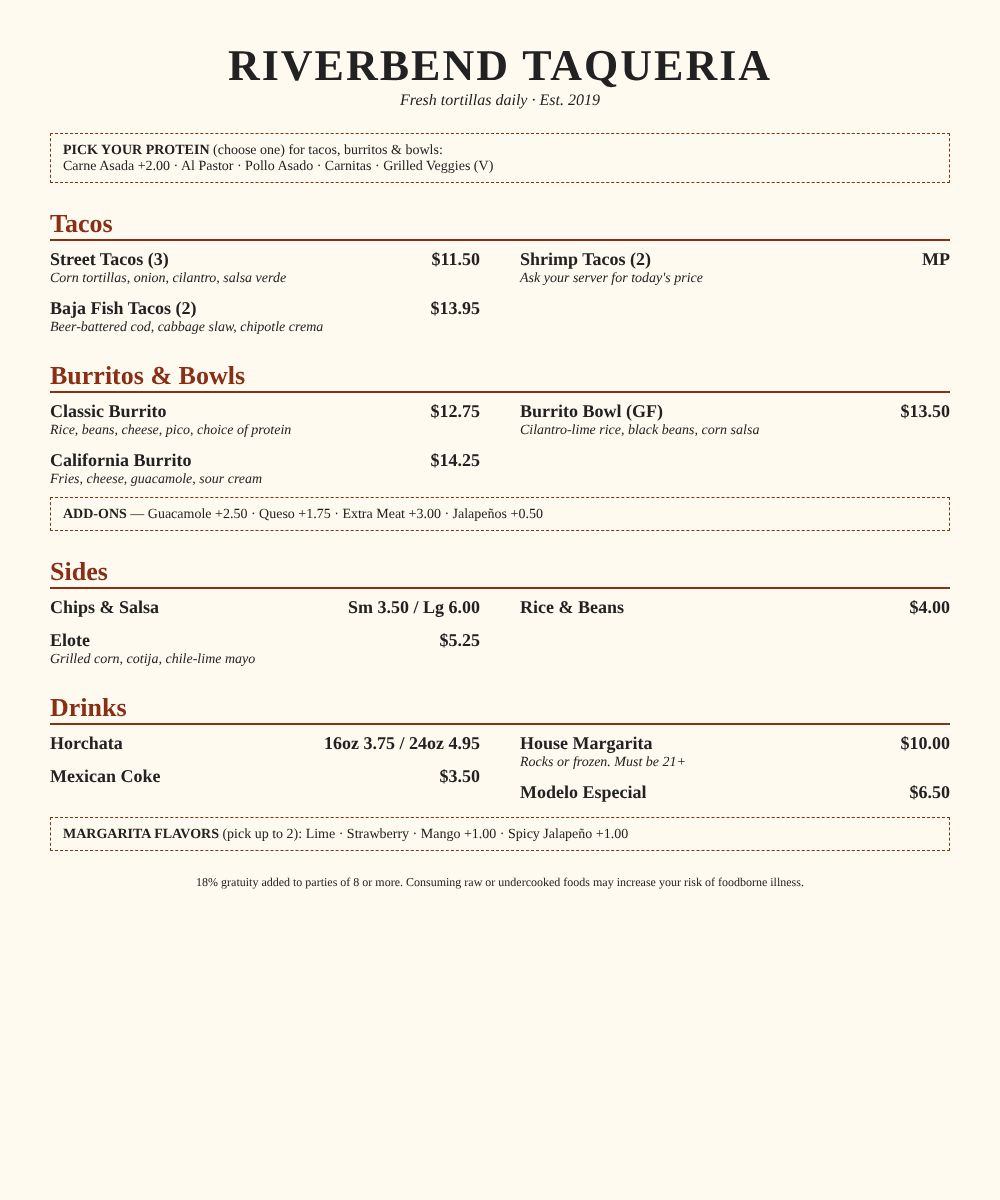
Upload
Photos, PDF, spreadsheet or another POS's export.
Build
Categories, items, sizes and modifier groups with min/max.
Review
Fix anything flagged, on your phone.
Download
The import file, formatted for this POS.
What you download
Files built for Toast's import.
Bulk-import sheet
Shaped like Toast Web's bulk import: CREATE and ATTACH rows for items, modifier groups and modifiers. For Toast accounts that have the bulk import tool.
Menu-build workbook
The same menu laid out the way Toast is organized (menu, group, item, modifier group, modifier). Hand it to the onboarding team or key from it. Works on every Toast package.
BetaThe Toast import file follows the published import layout, and we're still confirming it against real accounts. Check the import preview before you save, and tell us if anything doesn't go in clean.
The fiddly parts
What we handle for Toast
- Sizes become a size modifier group priced by modifier, since the bulk tool prices items at a single base price.
- Operation IDs and parent links are filled in, so modifiers attach to the right groups and items.
- Menu groups are marked where you paste the group IDs from Toast Web, one per group.
- Prices are written as plain numbers, the way the bulk tool expects.
- Required and multi-select rules are written down so you can set them in Toast Web after import.
Then, in Toast
- 1In Toast Web, create the menu and its menu groups, then copy each group's ID onto the bulk-import sheet.
- 2Save that sheet as CSV and upload it in Menus → Bulk management → Bulk import tool.
- 3Set any min/max rules the sheet calls out, then save and publish to push it to the devices.
Menu labels as of November 2026. Toast changes them now and then.
Full guide: how to upload a menu to ToastToast questions
Does every Toast account have the bulk import tool?
Can you push the menu straight into Toast?
Is the bulk import reversible?
Is this a Toast product?
Board restaurants for a living? See how ISOs and agents use it.
Your next Toast menu, in minutes.
Snap it, check it, download it.