A Square item library in minutes, not a day.
Photos, a PDF or another POS's export in. A Square item library import file out, with sizes as variations and modifier sets mapped.
Build and review free. Pay when you download.
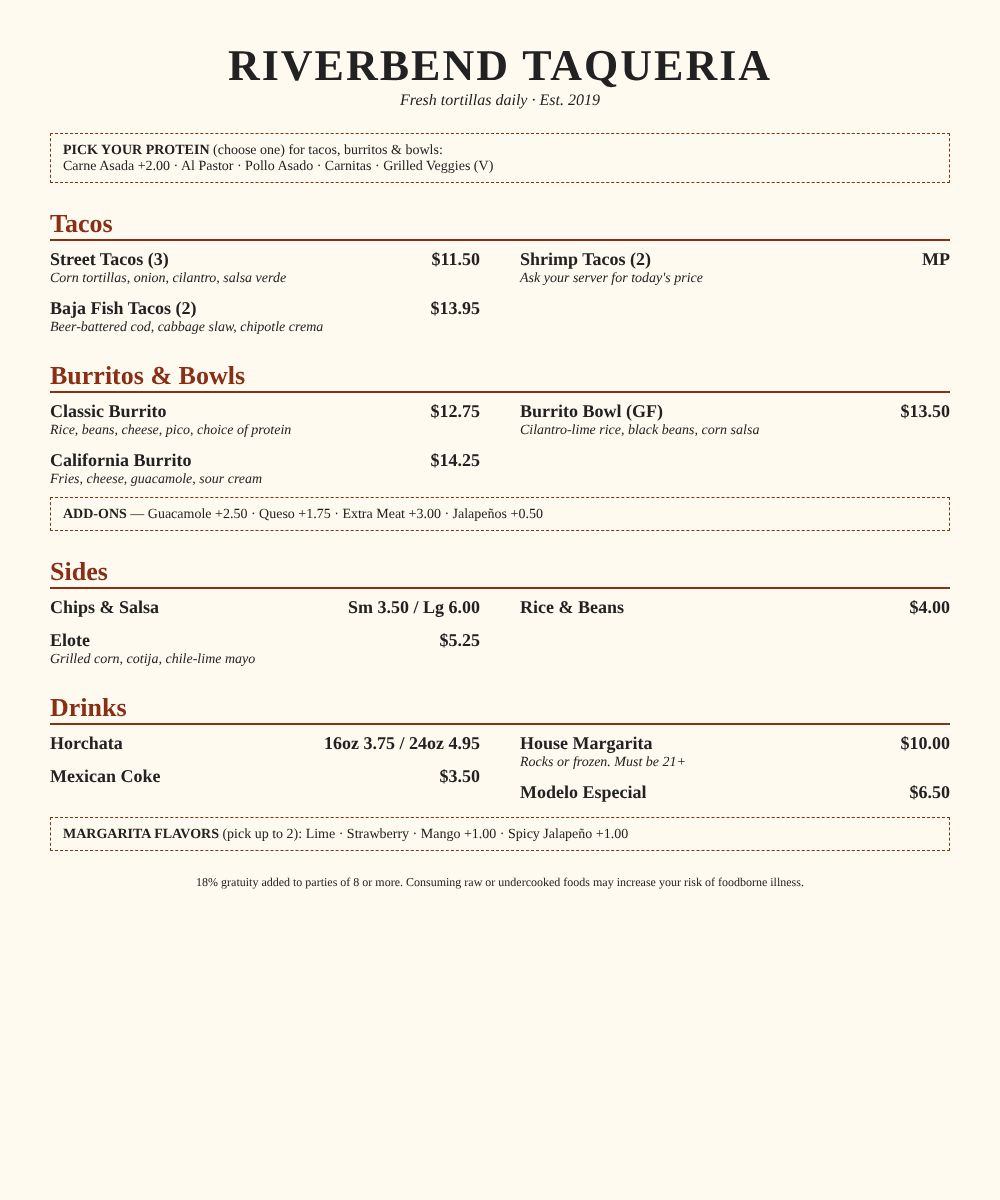
Upload
Photos, PDF, spreadsheet or another POS's export.
Build
Categories, items, sizes and modifier groups with min/max.
Review
Fix anything flagged, on your phone.
Download
The import file, formatted for this POS.
What you download
Files built for Square's import.
Item library spreadsheet (.xlsx)
Laid out like Square's item import: one row per variation, categories filled in, and modifier sets and taxes switched on per item.
Your modifier set checklist
Square's spreadsheet can link modifier sets but can't create them. We list every set, its options and prices, so you create them first and the import links them.
BetaThe Square import file follows the published import layout, and we're still confirming it against real accounts. Check the import preview before you save, and tell us if anything doesn't go in clean.
The fiddly parts
What we handle for Square
- Sizes become variations (Small / Large, 12oz / 16oz) on one item, the way Square expects.
- Modifier set names match exactly between the checklist and the item rows, so nothing imports unlinked.
- Prices are written as plain dollars; market price becomes a variable price.
- Categories follow the printed menu.
- Tax hints are pulled from the menu for you to confirm.
Then, in Square
- 1Create the modifier sets from your checklist in Items → Modifiers (exact names).
- 2Go to Items & services → Items → Actions → Import library and upload the .xlsx.
- 3Choose Modify library for an account with items already, or Replace for a fresh one. Square shows a preview first.
Menu labels as of November 2026. Square changes them now and then.
Full guide: Square item library importSquare questions
Square has a free menu upload. Why use this?
Why can't the file create modifier sets?
Can I move a Toast or Clover menu to Square?
Is this a Square product?
Board restaurants for a living? See how ISOs and agents use it.
Your next Square menu, in minutes.
Snap it, check it, download it.