Any menu into any POS. In minutes.
Snap the menu the restaurant already has. Get an import file for Square, Clover or Toast, without typing a single item.
Build and review free. Pay when you download.
Exports import files for
How it works
From paper menu to import file.
Three steps. Most menus take a few minutes, start to finish.
- 01
Snap or upload
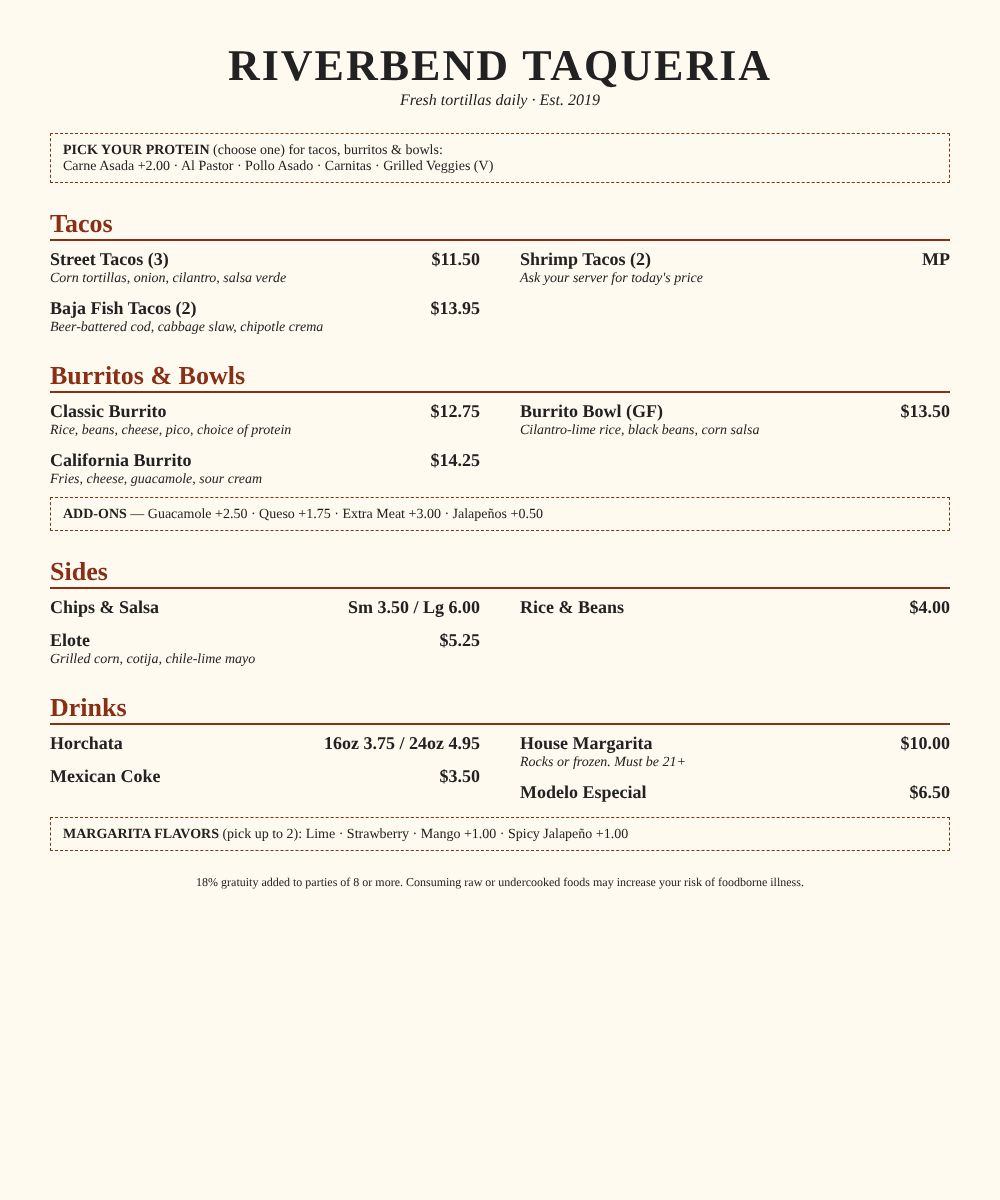
Phone photos of each page, a PDF, a spreadsheet, or the old POS's export. Multi-page is fine.
- 02
Review in minutes
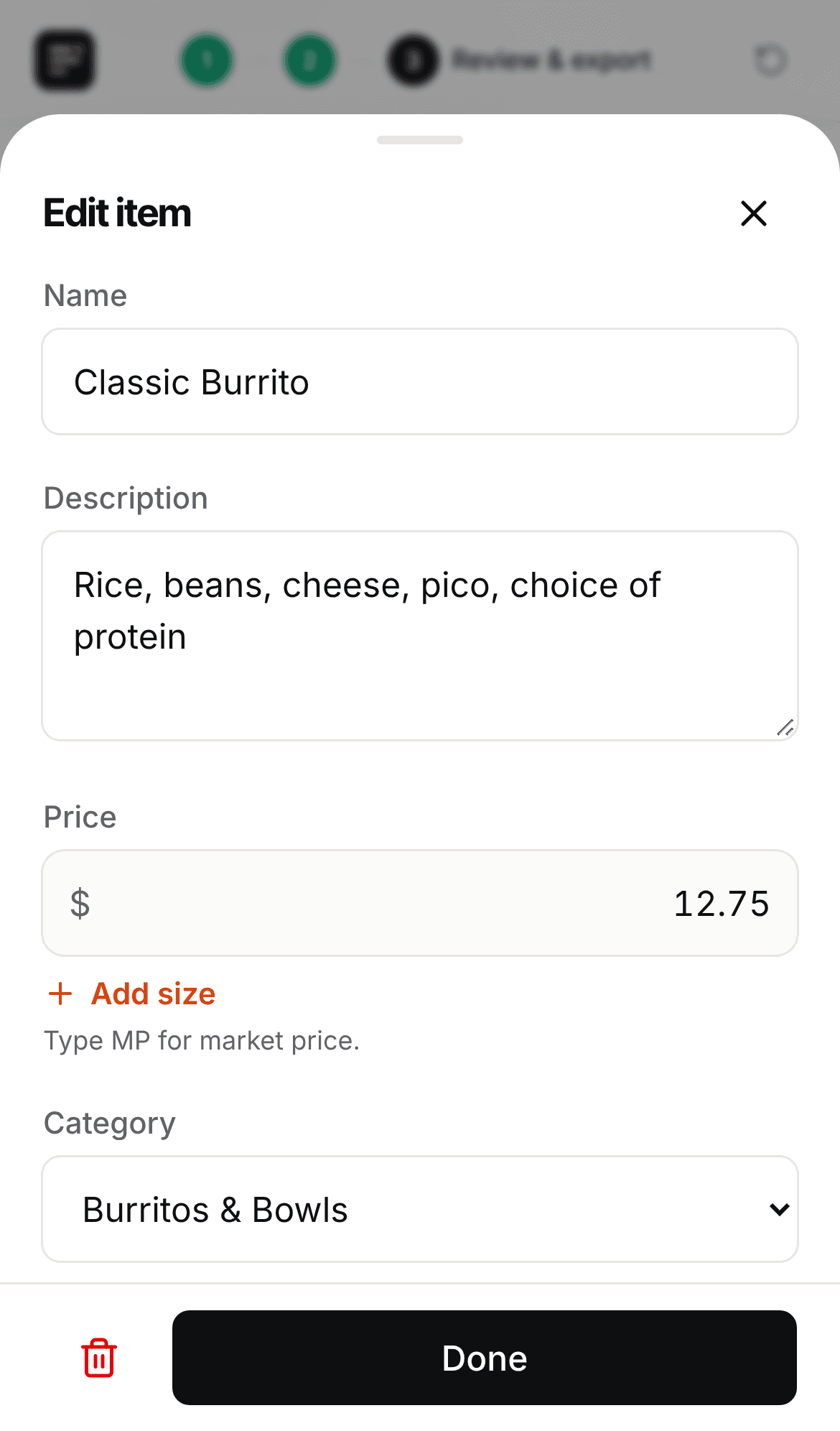
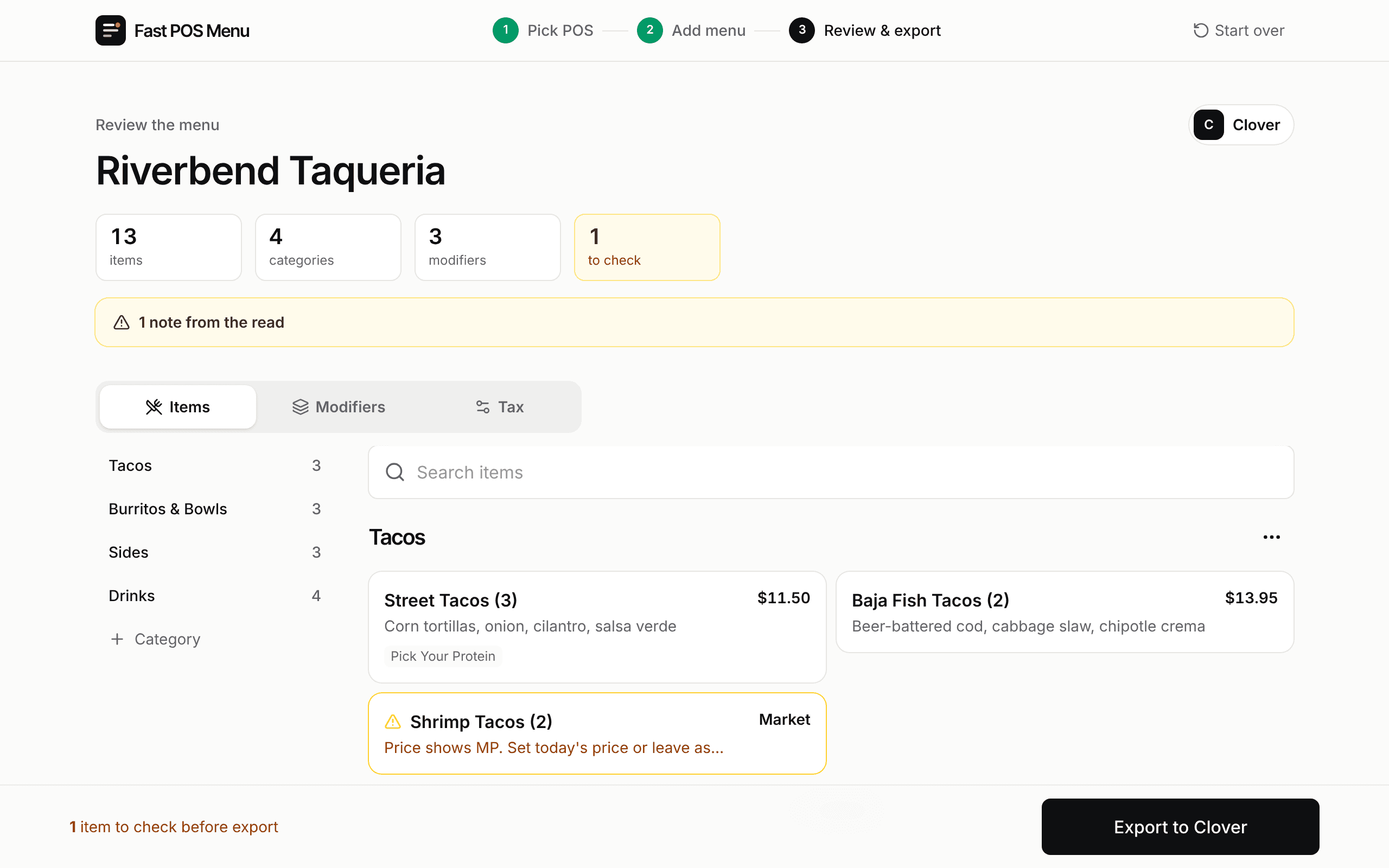
Categories, items, sizes and modifier groups come back structured. Anything uncertain is flagged.
- 03
Import to the POS
Download a file formatted for Square, Clover or Toast and upload it. No retyping.
What it handles
The fiddly parts, done right.
Menus aren't lists. Sizes, required choices and upcharges are what make hand entry slow.
Modifier groups with real rules
"Choose one protein" becomes a required group, pick 1. "Add-ons" stays optional with upcharges.
Sizes and variants
"Sm 3.50 / Lg 6.00" becomes two priced sizes.
Flags what it isn't sure of
Blurry prices and "MP" items are marked so you check them first.
Any input
Photos, PDFs, spreadsheets and old-POS exports. Clean spreadsheets are read instantly.
Made for the phone
Take photos at the table, fix items with a tap, export before you leave the install.
For ISOs and agents
Board the restaurant. Skip the menu build.
Menu builds are the hours nobody bills for and the reason go-lives slip. Start every install from a finished draft in the right format.
*Toast professional services rate. Times and costs are estimates.
Pricing
Pay per menu. Or go monthly.
Per menu
$49/ menu
One menu, any POS. Pay when you download.
ProSoon
$149/ month
10 menus a month, about $15 each.
FAQ
Questions, answered.
What can I upload?
How accurate is it?
Which POS systems?
When do I pay?
Can it read DoorDash or Uber Eats links?
Your next menu build takes minutes.
Snap it, check it, import it. Pay only when you download.